Start Summer with Accessibility Training

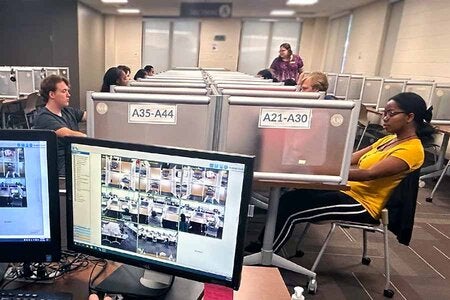
If you want to get ahead with the accessibility of your Canvas courses over the summer, the Office of Digital Learning (ODL) is offering in-person accessibility training for all FSU faculty and staff. With an extension of the DOJ compliance deadline, now is a good time to address accessibility issues with academic course content.
The series includes the following offerings. Because the sessions are interactive, please remember to bring a laptop. You will practice what you're learning during the workshop by following along in a Canvas development site.
Accessible Course Design | This 90-minute workshop covers the fundamentals of accessible course design, including Canvas accessibility tools and best practices for creating accessible Canvas pages, videos, Word documents, PowerPoint presentations, and PDFs.
PDF Accessibility | This 60-minute workshop focuses on using Adobe Acrobat’s accessibility checker to identify and fix accessibility issues. You’ll learn how to tag a document and use optical character recognition to convert scanned documents into searchable text.
Word & PowerPoint Accessibility | This 60-minute workshop provides a deep dive into using the Accessibility Assistant in Microsoft Word and PowerPoint. Topics include applying heading styles, setting reading order, and formatting accessible tables.
Accessibility Drop-In | If you need guidance on a particular issue, you can “drop in” with an accessibility expert for an individual in-person or virtual session.
Visit our website for additional resources, including access to the Course Content Accessibility site in Canvas.
How to Register
To register for training, visit the Consultations & Workshops page and sign up for the session that best fits your schedule. In-person workshops run from June through August. For questions about accessibility training, email odl-canvas-accessibility-training@fsu.edu.