
Contact us to schedule a consultation or request custom production services.
Looking to enhance your course? Video is a great way to engage your students. Use it to demonstrate a skill, guide students on the proper way to handle equipment, record an expert interview, conduct a virtual field trip, create an interactive video quiz, or assign it as a class project. Regardless of how you integrate video in your course, make sure it's accessible for all students by uploading it to Canvas using the university's Kaltura media platform and editing auto-generated closed captions.
Custom Production Services
For online courses, we offer a wide range of custom instructional video services. Many of these services, such as course introduction videos, can help you meet standards for online course quality. You provide the content and subject-matter expertise, and we can provide professional, state-of-the-art production for any of the services below. While our custom production services are free of charge, they are reserved for online courses and are highly dependent on production schedules. Contact us as early as possible to determine availability.
-
Production Services for Online Courses
Course Introduction Videos
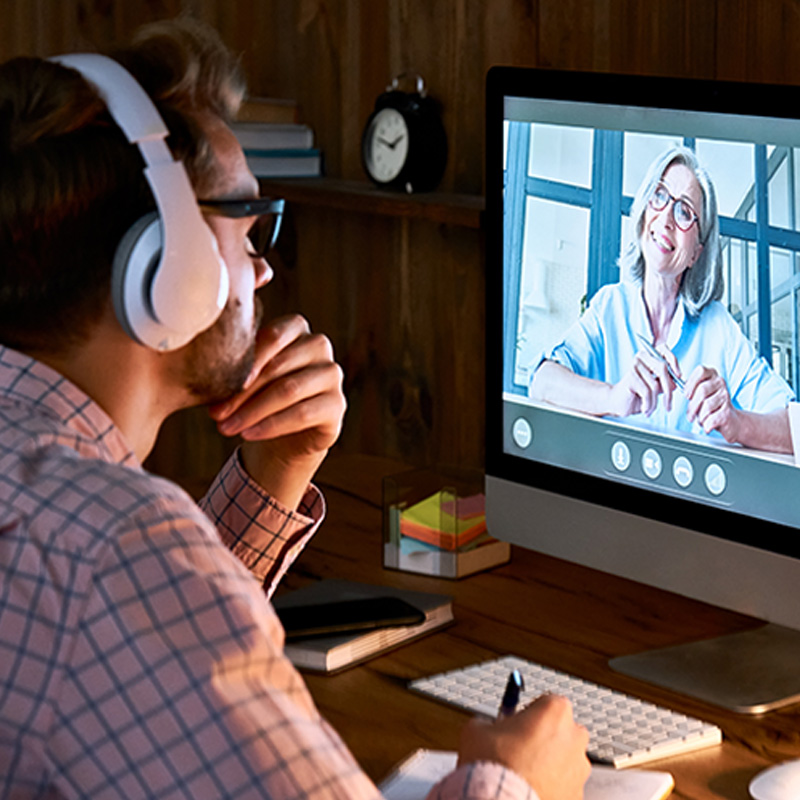
Welcome students to your course with an introduction video. In addition to introducing course content and expectations, an introduction video helps learners feel more connected to their instructor, a key component for their success in the online environment. Our media team will create a script based on content you provide and record your video in our professional media studio.
-
Production Services for Online Courses
Course Tours
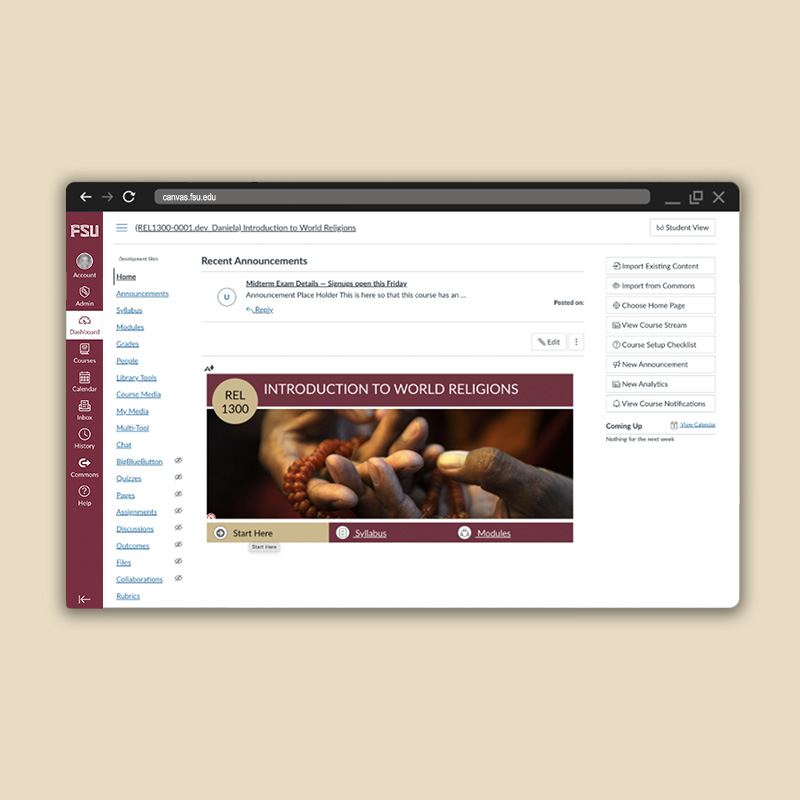
Orient students to the online course environment with a course tour. These short, informative videos help students navigate the course site and find essential course elements.
-
Production Services for Online Courses
Module Overviews
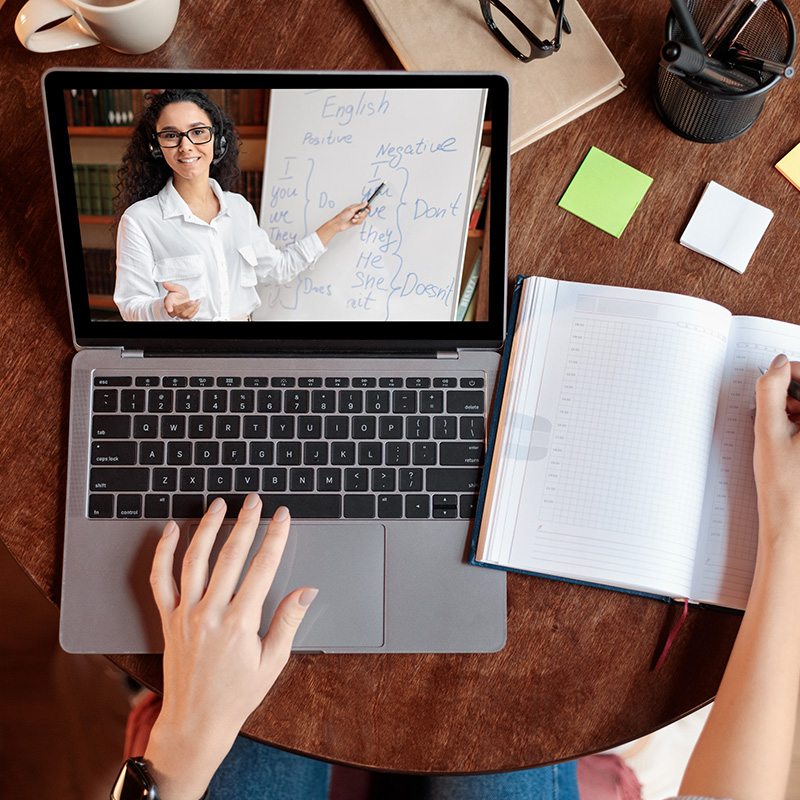
Provide students a weekly (or unit) breakdown of your course with module overview videos. In addition to being easy to create, module overviews help students relate module content to course learning objectives. We offer consultations on tools and techniques to create your own module overview videos.
-
Production Services for Online Courses
Guest Lectures
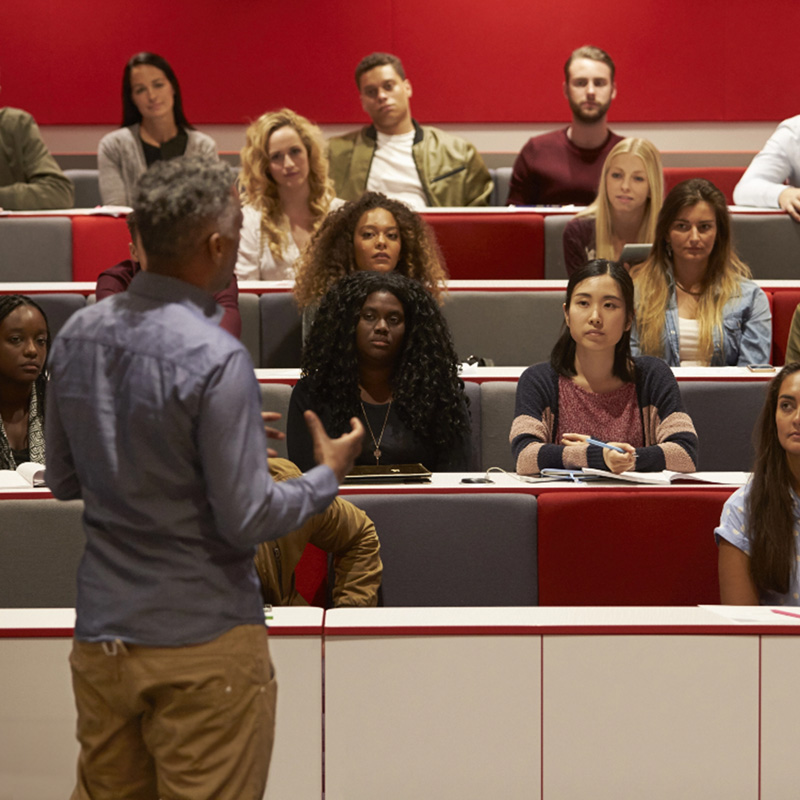
Include expert perspectives with a guest lecture video. Recorded on-location or in our studio, guest lectures can introduce variety in your online course, stimulate discussions, and help students link theory with practice. Is your expert remote? We can share tips on using web conferencing tools to record a guest lecturer — no matter their distance.
-
Production Services for Online Courses
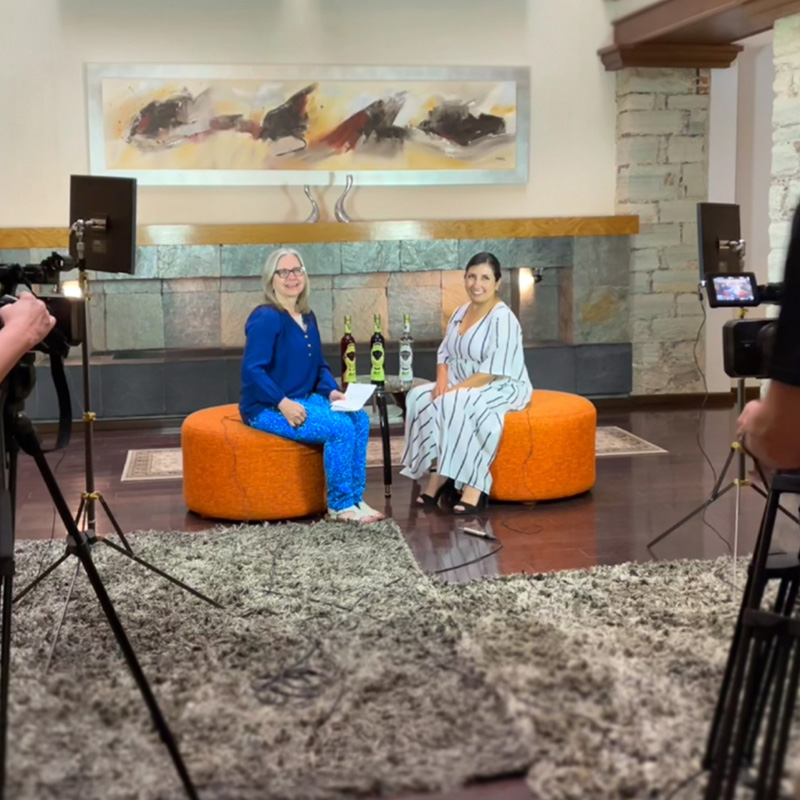
Interviews
Enhance your course with an expert interview. Because you ask the questions, you can guide the conversation to feature information that’s most relevant to your students. With its conversational approach, the interview format not only provides an alternative to a traditional guest lecture but reduces your guest’s preparation time.
-
Production Services for Online Courses
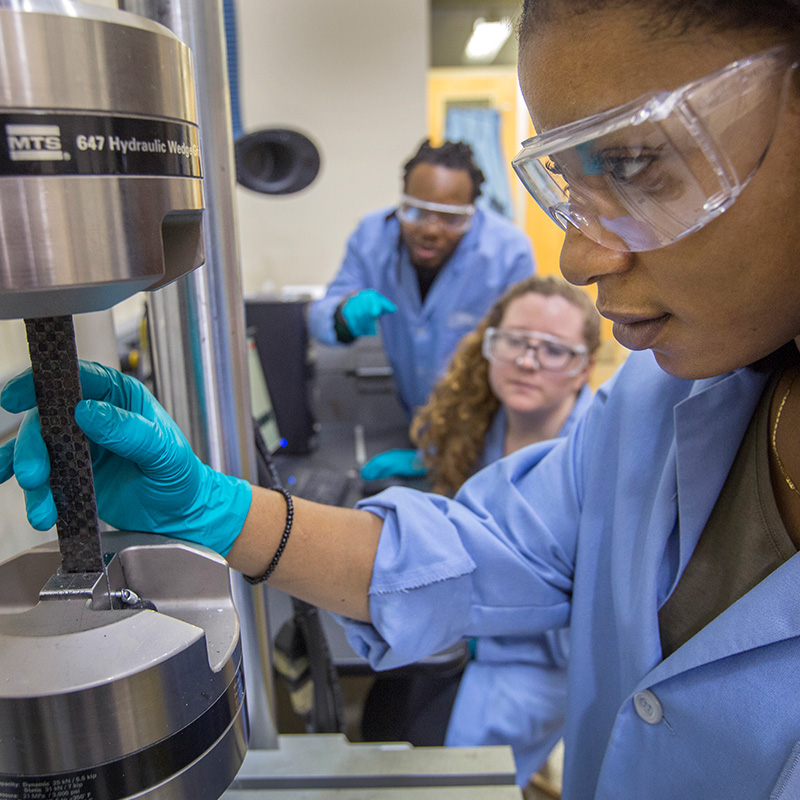
Demonstrations
Reinforce learning with a demonstration. Shot on-location or in our studio, demonstrations bring STEM, music, and arts courses to life. Break down steps for solving a complex problem, conduct an experiment, or model a technique. For a do-it-yourself approach, reserve our document camera to easily incorporate documents or objects in your demonstration.
-
Production Services for Online Courses
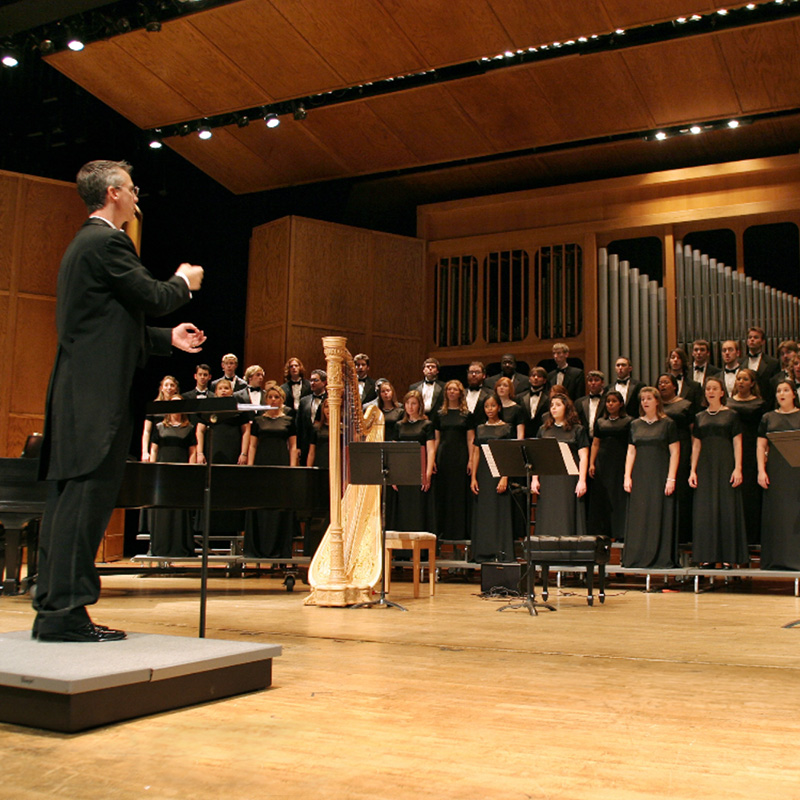
Instructional Events
Invite your online students to a special event that connects instructional course content with real-world applications. We can help you recreate an in-person experience for online learners. Because filming instructional events often requires travel, be sure to contact us well in advance of your event to determine availability.
-
Production Services for Online Courses
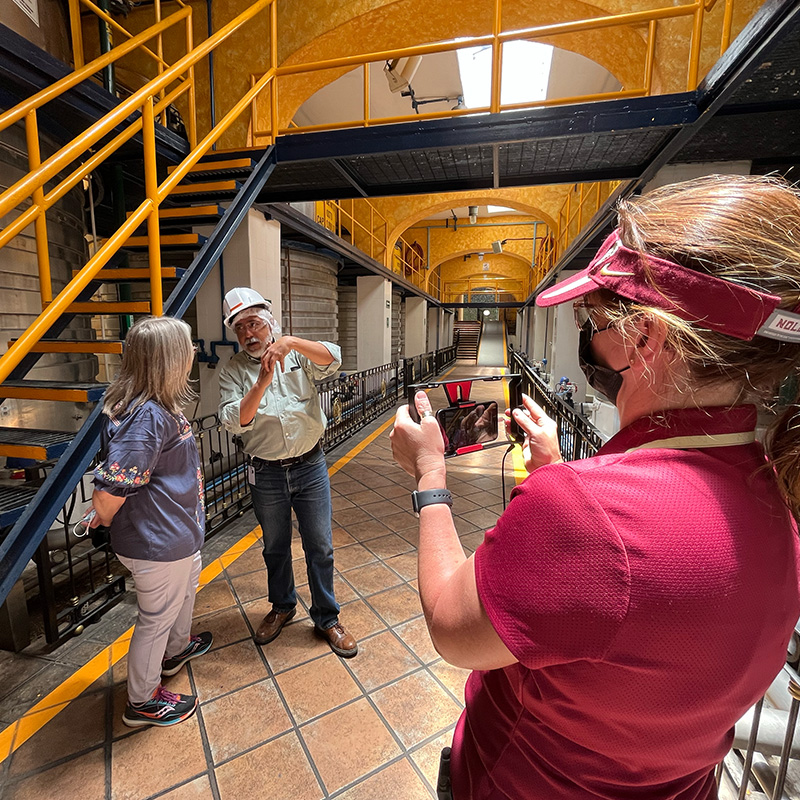
Field Trips & Facility Tours
Create an immersive experience with a virtual field trip or facility tour. By recreating a class trip typically limited to face-to-face students, you’ll help online learners connect with course material in a more engaging way. Production time varies based on tour length and travel requirements. Contact us early to ensure a spot on the production schedule.
DIY Video Production
All instructors are welcome to take advantage of one of our virtual and in-person consultations. Our media production team can provide best practices for creating professional-looking instructional videos in the comfort of your home or office. Use our Media Services Request form to schedule a consultation and learn more about the topics below:
- DIY video basics (eg, lighting, framing, backgrounds, sound, etc.)
- Recording and editing technologies (eg, cameras, mics, software, etc.)
- Kaltura video platform (eg, uploading video, editing captions, using advanced features)
Media Innovation Lab
The media innovation lab is available for both online and face-to-face instructors with a user-friendly, do-it-yourself recording space. Instructors interested in reserving time in the lab can contact D.D. Garbarino at dgarbarino@fsu.edu or (850) 644-7574. Filming blocks are available from 7:30 a.m. to 3:30 p.m., Monday-Friday.
Need some inspiration?
If you are an FSU instructor looking to enhance your online course with video, our media team incorporates a variety of tools to produce engaging and effective instructional video. For a preview of the types of video we can create, see the demos below. Use our Media Services Request form to schedule a consultation.
Document Camera
Capture documents or objects in real time to bring science labs to life, magnify math manipulatives, or demonstrate how to use technology.
SMOOTH 5 Gimbal
This handheld, stabilizing device securely holds your smartphone to ensure smooth, on-the-go video recording no matter the terrain.
SmallRig Video Kit
This easy-to-use, handheld kit is perfect for instructors who want to create a vlogging-style or live-stream video for their course.
Insta360 Camera
Create an immersive, virtual reality experience for your course (eg, tour a facility, record an event, or explore an outdoor environment).
Skydio 2+ Drone
With this AI-powered drone, you can capture panoramic and close-up video footage to engage your students in immersive learning.
Please note that all media produced by FSU's Office of Digital Learning remains the property of FSU and any re-use beyond FSU courses is governed by Chapter 4.063 of FSU Regulations and Article 18.6 of the UFF-FSU Collective Bargaining Agreement.